
You changed an A record an hour ago. Your laptop still loads the old site. Your phone, on cellular, shows the new one. Your support inbox is filling up. Somewhere in a help article, you read “DNS propagation can take 24 to 72 hours” and resigned yourself to the wait.
Here is the truth: that figure is mostly a holdover. DNS is not broadcast or synced across the internet. It is pulled on demand and cached, and the cache lifetimes are set by you. When TTLs are sane and the migration was planned, worldwide propagation is usually under two hours. When it is not, the cause is almost always a specific, fixable thing - not “the internet is slow today.”
This guide walks through how propagation actually works in 2026, what each record type does differently, and the exact commands to verify a change from your terminal.
What is DNS propagation?
DNS propagation is the window between updating a record on your authoritative nameserver and every recursive resolver on the internet returning that new value. It is not a global broadcast. There is no central registry that fans out your change. Resolvers only know about the old record because they cached it the last time someone asked. They will only learn about the new one when that cached entry expires and they query your authoritative server again.
That is the whole model: authoritative server → recursive resolver → end-user device. Each layer caches the answer for a set duration, and “propagation” is just the slowest cached copy expiring.
Why DNS changes take time
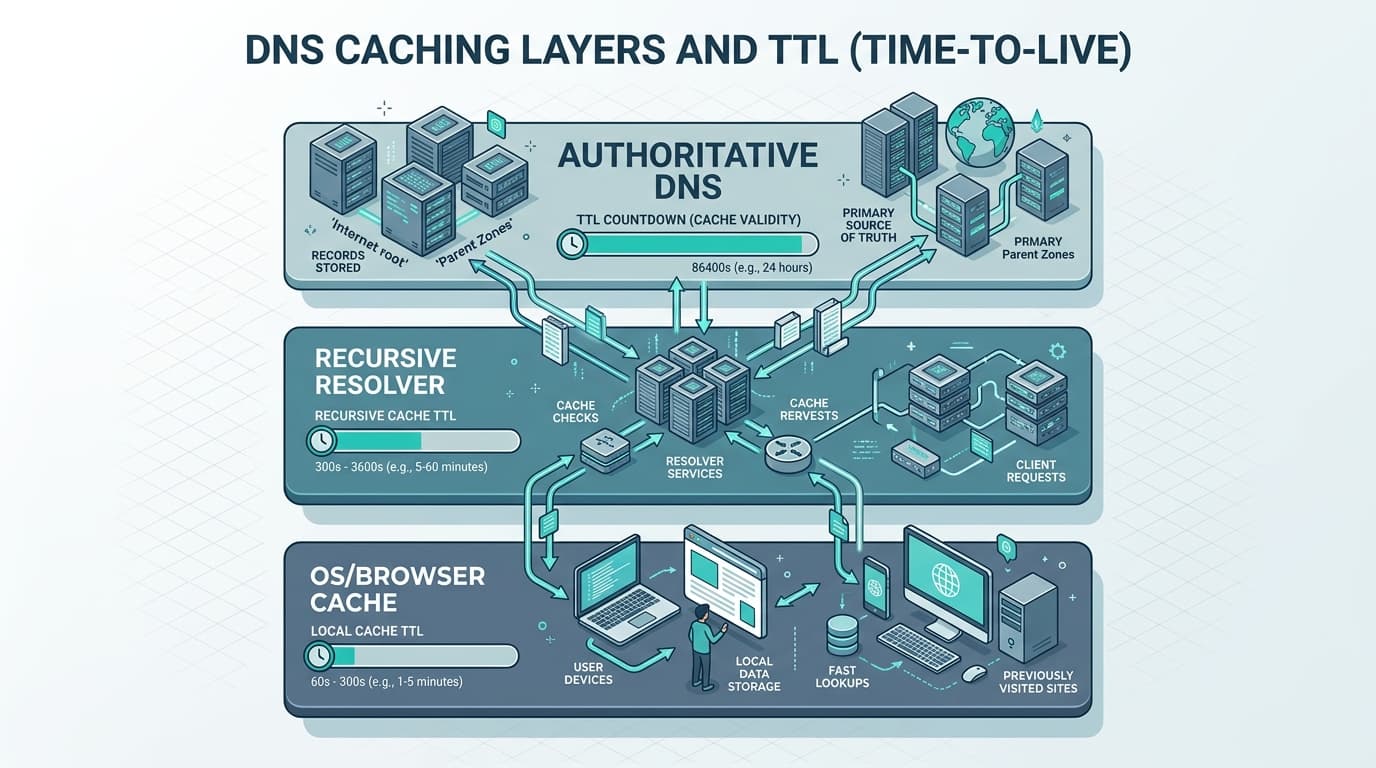
Caching happens at three layers, and any one of them can be the slow link.
- Authoritative servers publish your records immediately. There is no delay here. The moment you save in Cloudflare or Route 53, that server is handing out the new value to anyone who asks.
- Recursive resolvers (1.1.1.1, 8.8.8.8, your ISP) cache the answer for the TTL value of the record. They will not re-query upstream until that timer expires.
- Operating system and browser cachessit on the user's device. Chrome maintains its own DNS cache at
chrome://net-internals/#dns. Windows, macOS, and Linux each keep one too. These respect TTL but can be flushed manually.
The “24 to 72 hours” figure persists for two reasons. First, registrars copy it from each other as a CYA disclaimer. Second, it used to be accurate when default TTLs were 24 or 48 hours and authoritative changes propagated through zone transfers on a fixed schedule. Modern hosted DNS (Cloudflare, Route 53, etc.) updates instantly, and modern default TTLs are minutes, not days.
TTL - the one number that controls everything
TTL (Time To Live) is the number of seconds a resolver is allowed to cache a record before it must ask your authoritative server again. It is the single biggest lever you have over propagation speed.
Common values you will see:
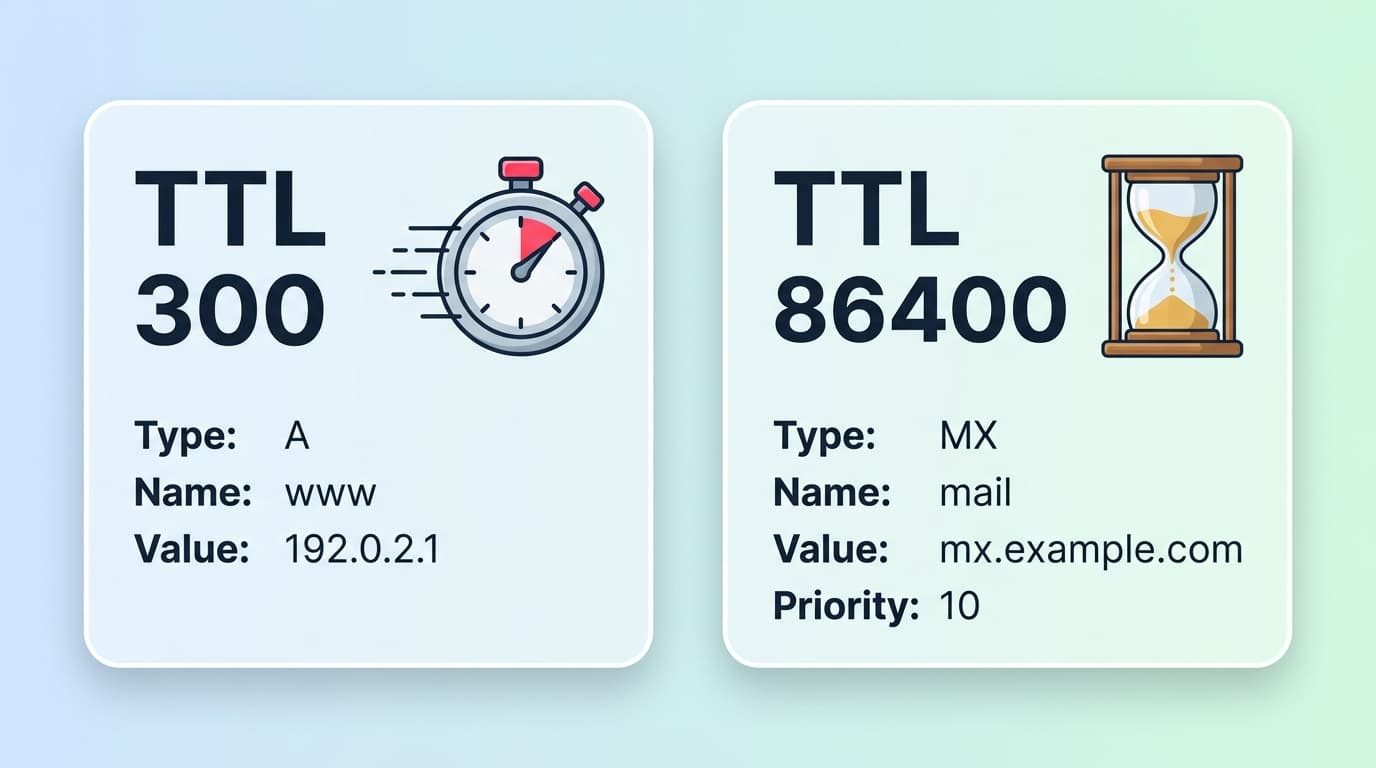
- 300 seconds (5 minutes) - aggressive, used during migrations.
- 3600 seconds (1 hour) - sensible default for stable records.
- 14400 seconds(4 hours) - Squarespace's locked default.
- 86400 seconds (24 hours) - old-school, fine for records that never change.
Here is what the default looks like across major DNS hosts as of 2026:
| Provider | Default TTL | Notes |
|---|---|---|
| Cloudflare (proxied) | 300 s, not editable | Anycast handles IP changes in ~5 min |
| Cloudflare (DNS-only) | 300 s; 60 s minimum | Fully configurable up to 1 day |
| AWS Route 53 | No platform default | You set it per record |
| Namecheap BasicDNS | 1800 s (30 min) | 300 s recommended pre-migration |
| GoDaddy | 3600 s (1 hour) | Some flows show 600 s |
| Squarespace Domains | 14400 s (4 hours) | Not editable on most plans |
You can read the TTL of a live record directly:
dig example.com ALook at the number in the second column of the answer section. That is how many seconds a resolver will hold this answer. Run the same command 30 seconds later and watch it count down.
A, AAAA, CNAME, MX, TXT, and NS - what propagates differently
Not every record behaves the same under the hood.
A and AAAA records
The simplest case. A maps a name to an IPv4 address, AAAA to IPv6. They honor the TTL you set, full stop. If you set TTL 300 and flip the value, every resolver that does not already have a cached copy gets the new IP immediately, and the rest follow within five minutes.
CNAME records
A CNAME is an alias pointing one name at another name. When you change a CNAME, resolvers cache both the CNAME itself and the underlying record it resolves to. The weakest link wins: if the CNAME has TTL 300 but the target A record has TTL 3600, expect up to an hour of mixed answers.
MX records
MX records route email. The record itself caches like any other, but expect SPF, DKIM, and DMARC TXT records to lag a few minutes behind the MX flip. Order matters: publish the new TXT records first, lower TTLs, then change MX. Otherwise, mail arrives at the new server during a window when the auth records still point at the old infrastructure.
TXT records
Used for SPF, DKIM, DMARC, and a hundred kinds of domain verification. They follow normal TTL rules. The common pitfall is SPF flattening: long SPF chains can exceed the 10-lookup limit, and propagation behavior gets ugly when resolvers time out partway through. Test from a fresh resolver before assuming a fix is live.
NS (nameserver) records
How to check propagation
Three methods, each with its own use.
Free global checker
The fastest way to confirm a change is to query from many places at once. The DNS Propagation Checker returns A, AAAA, CNAME, MX, TXT, and NS values from multiple global vantage points in one shot. No signup, no waiting, no parsing dig output by hand.
Check propagation worldwide
DNS Propagation Checker
Query A, AAAA, CNAME, MX, TXT, NS from multiple global resolvers in a single shot. No signup, no rate limits.
Command line: dig, nslookup, Resolve-DnsName
For ad-hoc checks against a specific resolver, the terminal is faster:
# Authoritative answer, bypassing your local resolver chain
dig +trace example.com A

# Ask Cloudflare specifically
dig +short @1.1.1.1 example.com A

# Ask Google specifically
dig +short @8.8.8.8 example.com CNAME

# MX records
dig +short @1.1.1.1 example.com MX

# Show full record with TTL countdown
dig example.com A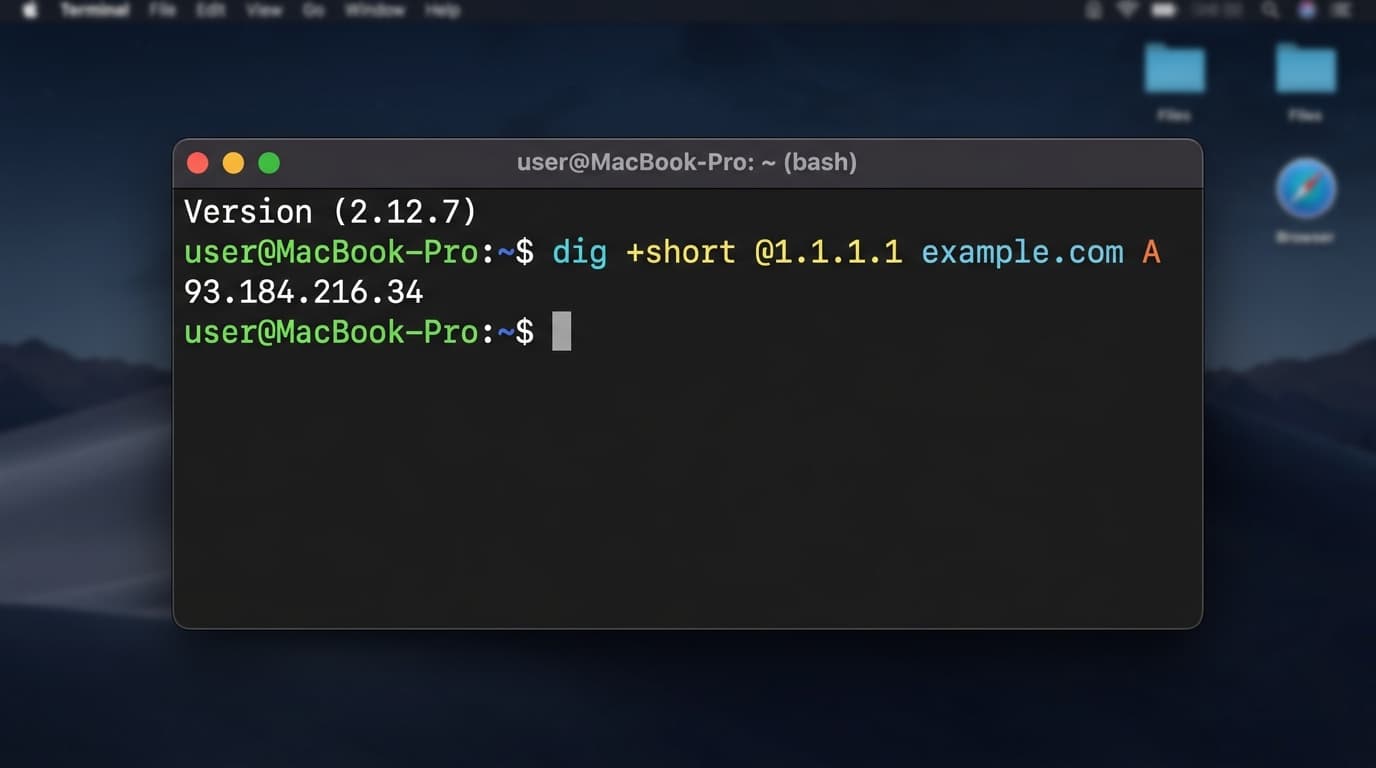
dig @1.1.1.1 example.com A- point at a specific resolver to see exactly what it's caching.On Windows, PowerShell has the equivalents:
Resolve-DnsName -Server 8.8.8.8 example.com -Type A
Resolve-DnsName -Server 1.1.1.1 example.com -Type CNAME
Resolve-DnsName -Server 1.1.1.1 example.com -Type MX
Clear-DnsClientCache
And the classic nslookup works on any OS:
nslookup -type=mx example.com 1.1.1.1Out-of-network sanity check
If your office network is showing the old answer but global checkers show the new one, switch your phone to cellular and load the site. Different ISP, different cache, instant second opinion.
Why some users still see the old DNS
You changed the record three hours ago. Most of the world sees the new value. A handful of users still load the old site. Here are the suspects, in rough order of likelihood.
- Public resolver caps. Cloudflare 1.1.1.1 caps cached entries at three hours regardless of TTL. Google 8.8.8.8 caps them at roughly six hours. If your old record had a long TTL, even these well-behaved resolvers will hold it until the cap kicks in.
- ISP resolvers ignoring TTL. Some ISP resolvers cap cache lifetimes aggressively short, some hold them stubbornly long, and a few simply ignore TTL altogether. There is nothing you can do from the publisher side except wait.
- Browser DNS cache. Chrome's in-process cache at
chrome://net-internals/#dnsis separate from the OS. Hit “Clear host cache” on that page if a specific user is stuck. - OS cache. Tell the user to flush (see the commands below).
- HSTS or HSTS preload. If your site is on the HSTS preload list or sent a long
max-age, browsers refuse plain HTTP regardless of DNS. Switching a Cloudflare record from Proxied to DNS-only while HSTS is live can break visitors until themax-ageexpires. This feels like a DNS bug. It is not. - Negative caching (RFC 2308). If a record briefly did not exist (because you made a typo, saved, then fixed it), resolvers cached the NXDOMAIN response using the SOA
MINIMUMfield. RFC 2308 recommends 1 to 3 hours for this. The fix exists upstream but resolvers will keep returning “not found” for the cached duration.
# macOS 13-15 (Ventura, Sonoma, Sequoia)
sudo dscacheutil -flushcache; sudo killall -HUP mDNSResponder

# Windows
ipconfig /flushdns
# or in PowerShell
Clear-DnsClientCache

# Linux (systemd-resolved)
sudo systemd-resolve --flush-caches
Common problems after migration
A few patterns show up in almost every messy DNS change:
- Email gap during MX flip. Lower TTLs and publish new SPF/DKIM/DMARC TXT records before changing MX. Otherwise mail bounces or fails auth at the new provider.
- SSL/HSTS mismatch. New IP, old certificate-pinning behavior at the browser, locked-out users. Verify HSTS settings before flipping anything tied to TLS.
- Mixed answers from anycast. Cloudflare and Google serve different cache nodes from different geographies. A user in Frankfurt and a user in São Paulo can see different answers for ten minutes during a change.
- “Works on mobile data, not Wi-Fi.” Almost always the home router or office DNS forwarder holding a stale answer.
- The Route 53 hosted-zone trap.AWS explicitly warns about having two hosted zones with the same name and updating the wrong one. Always verify which hosted zone your registrar's NS records point to.
How to speed up updates
You cannot force resolvers to flush, but you can stack the deck.
- Lower TTL 48 hours before the change. Drop from 3600 to 300 on every record you plan to touch.
- Use providers with low default TTLs.Cloudflare's Auto = 300 seconds is the gold standard.
- Flush the major public caches manually. Both Cloudflare and Google publish flush endpoints (Google's Public DNS flush, Cloudflare 1.1.1.1 cache purge).
- Flush local caches in order:browser, then OS, then router. Saves a lot of “why is it still wrong” tickets.
- Verify worldwide before declaring done. Trust a multi-vantage-point check more than one terminal.
Free DNS Propagation Checker
The DNS Propagation Checker queries A, AAAA, CNAME, MX, TXT, and NS records from multiple global vantage points and shows the result side by side. No signup, no rate limits, no paywalls in your face. Use it before, during, and after every DNS change.
Run it now
DNS Propagation Checker
Side-by-side answers from global resolvers. Confirm in 10 seconds whether your DNS change has reached the world.